
Building “Electronic Brain”: an AI Knowledge Base with GPT, Email, Voice Notes and RAG
AI Knowledge Base · GPT · Voice Notes · Mail · RAG
“Electronic brain”: own data in one dialogue
I developed a personalized AI knowledge base that collects voice notes, letters and documents, processes them and makes them searchable through GPT.
Ideas, tasks and agreements often remain in different places: on a recorder, in correspondence or in a folder on a disk. The electronic brain combines these materials so that the user can ask a question and get an answer on their information.
Task and solution chosen
The user needs to return to their ideas and agreements through a question on the topic. The solution combines the collection of notes, letters and documents, text extraction and search through GPT.
Why is this stack?
Laravel implements the application and API, MySQL stores records, Redis and Laravel Queue perform long-term operations in the background. Qdrant is responsible for semantic search, OpenAI is responsible for AI processing. This division corresponds to different stages of work with the material.
What can be postponed in a similar MVP
You can start with manual downloading and searching documents, and connect mail, cloud synchronization and voice notes in the following stages. In the described system, these sources have already been implemented.
What sources are connected
Voice notes
The user records the ideas, tasks or results of the meeting on the recorder and uploads the audio to the system. The record is converted into text, passes AI analysis and gets into the search index.
Later, you can find a discussion of the client, recall the decision made or clarify tasks from the record.
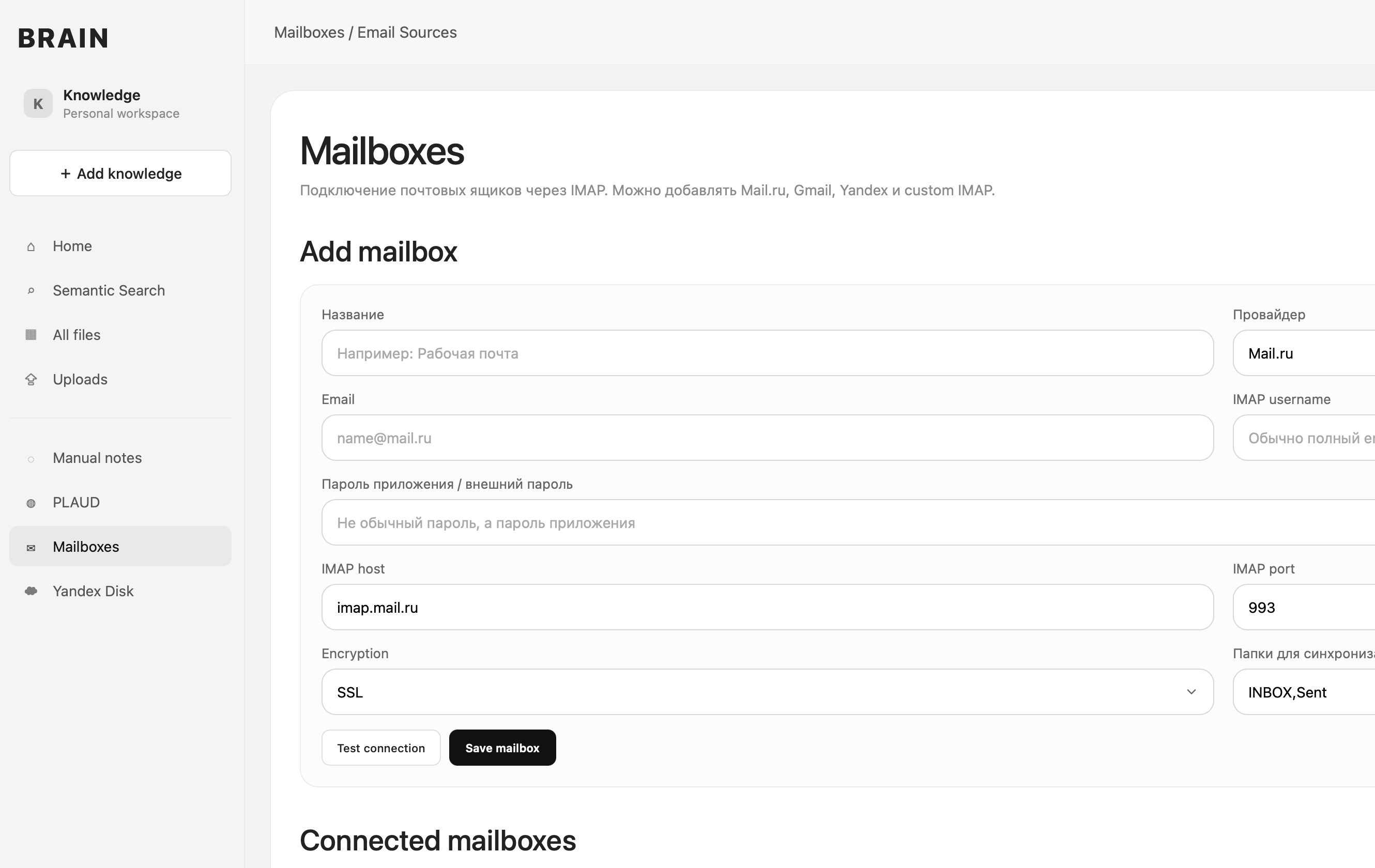
Mailboxes are connected via IMAP. The system stores emails and transfers their contents for processing, so that agreements, project discussions and payment information are available in a common database.
To connect, account settings, connection verification and background synchronization are implemented.
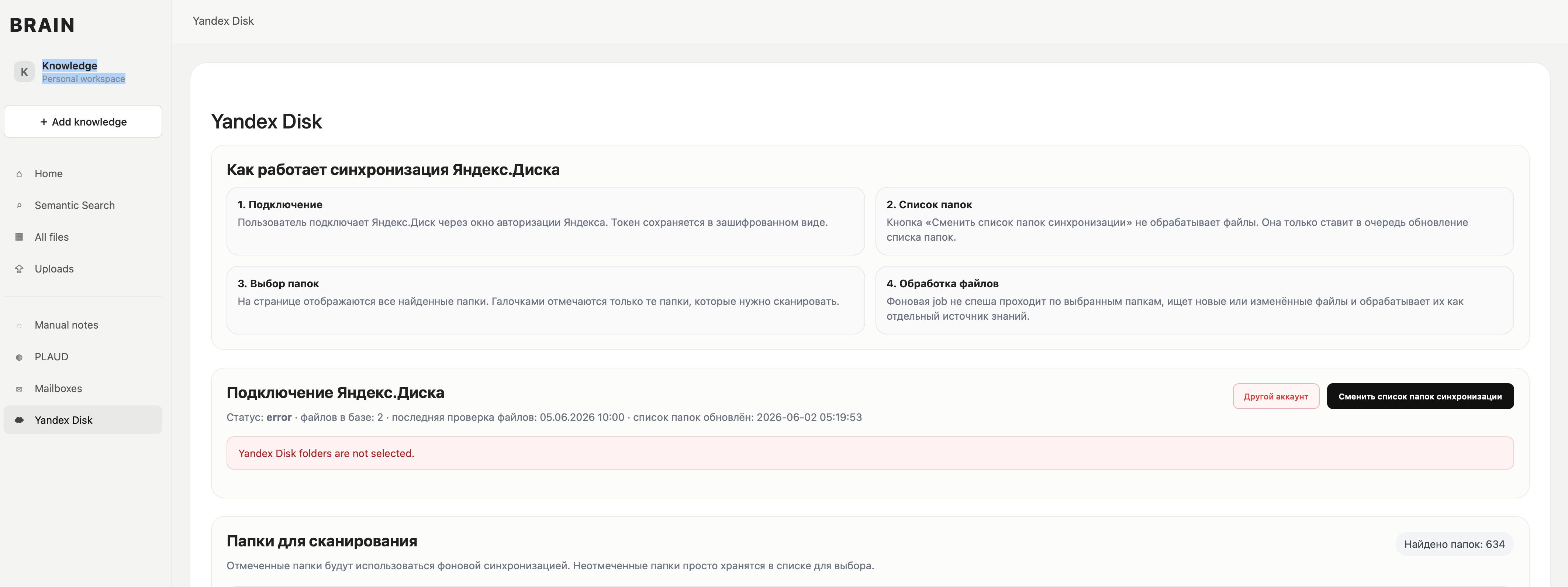
Yandex. Disc.
Integration allows you to get a list of folders and files, download documents from the cloud and add them to the knowledge base. Work materials and reports become available for further processing and search.
Files and text notes
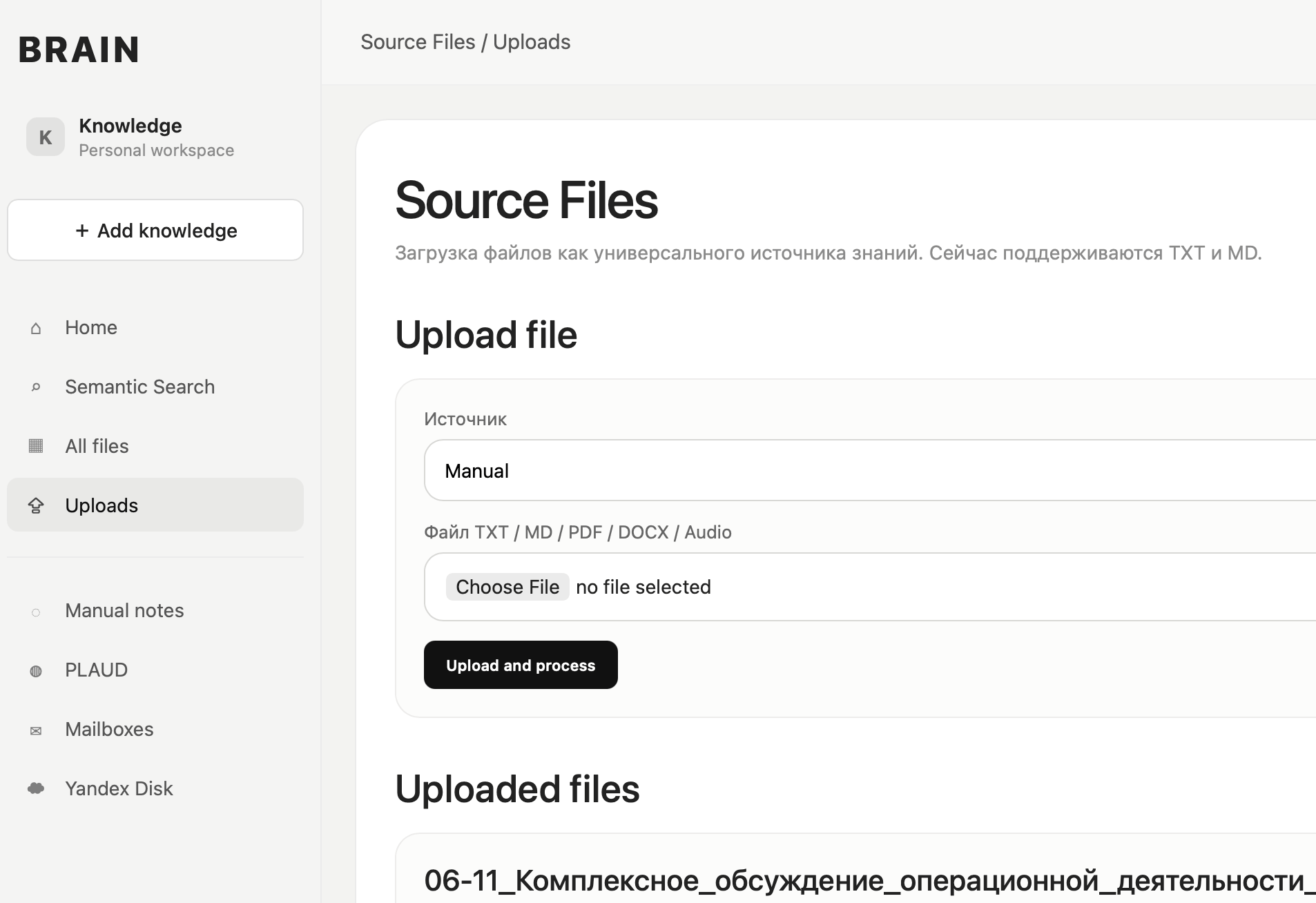
Through the administrative panel, you can manually add notes and download materials. They go through a common processing process together with data from connected sources.
How the user works with the database
The main interface is a dialogue with GPT. The user asks the question in ordinary words, and GPT refers to the API project, receives appropriate records and forms an answer based on the materials found.
What was discussed about the project last week? What were the tasks in correspondence with the client? What did I write down about running an ad?
You do not need to remember the name of the file or the exact wording. Semantic search helps to find fragments that are similar in meaning, even if the words in the question and the original entry differ.
From download to response: processing steps
A single process has been implemented for all sources. The letter, audio recording and document are given a format that can be worked with in a common knowledge base.
Obtaining data
The system receives downloaded materials, receives letters through IMAP and files from Yandex. Disc.
Audio · Email · Files · NotesPreparation of the text
The audio is converted into text. The content is cleaned and normalized for further analysis.
Transcribation · Single formatAI analysis
The model highlights brief content, important facts, tasks, solutions and key topics. The processed records are stored in the database.
Content · Facts · ChallengesIndexation of RAG database
The text is divided into semantic fragments and indexed for semantic search. Qdrant is used for vector search.
Semantic fragments Qdrant RAGSearch and Answer through GPT
Upon user request, API returns relevant records. GPT uses the information found in response.
API · Custom GPT Actions · Dialogue
Management and background work
Administrative panel
Adminka combines source configuration and data processing control.
- Adding notes and downloading audio
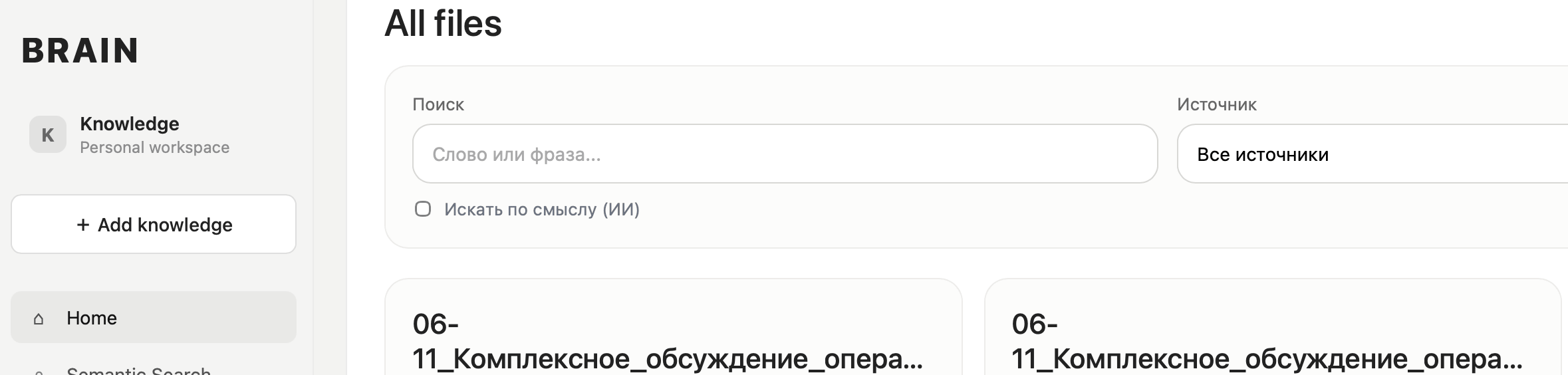
- Viewing processed records
- Connecting mailboxes and starting synchronization
- Connecting Yandex.Disk and updating the folder list
- Tracking of processing errors
Processing queues
Transcribing, synchronizing mail, updating folders, AI analysis and indexing are performed in the background through queues.
The user downloads the material or starts synchronization and continues to work with the interface while the system processes the task.
Protecting access to data
The project works with personal notes and working correspondence, so it provides access protection mechanisms.
Adminka and email accounts
- Authorization in the administrative panel
- Storage of passwords of mailboxes in encrypted form
- Using application passwords to connect mail
API and internal services
- Closed API for GPT with key access
- Work through HTTPS
- Background processing without public access to internal services
Project technologies
What happened?
The electronic brain combines information collection, processing, storage and retrieval in one system. The user can record thoughts with voice, connect mail, add documents and then access these materials through GPT.
Personal knowledge base
Ideas, notes and results of meetings are preserved in a common space. You can come back to them through a question on the topic.
Work on projects
Searching for letters and documents helps to restore the context of discussions, find tasks and agreements with customers.
The main value of the project is the ability to get answers from your own materials and reduce manual search by mail, files and notes.
Discuss a similar task
>AI/RAG development · Cases of AI agents and RAG systems · How I understand the client’s task
From explanation to practice
MCP server developmentConnecting business tools and data to AI agents.